Message Console
Send Message
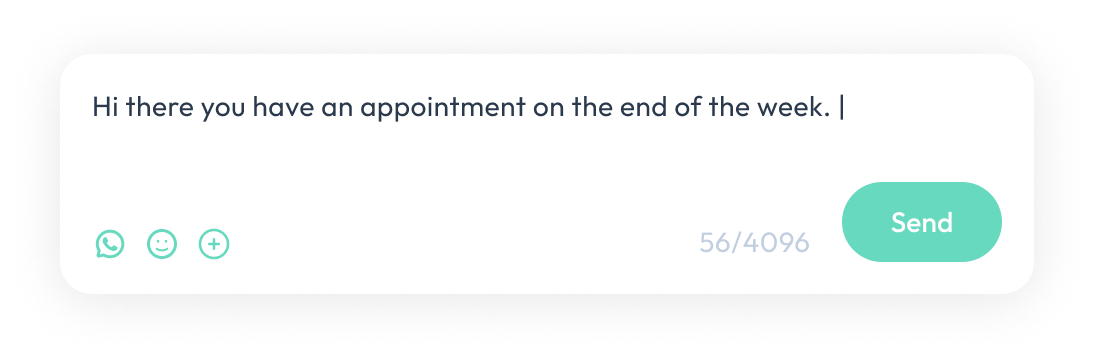
Type messages in the message box.
Template
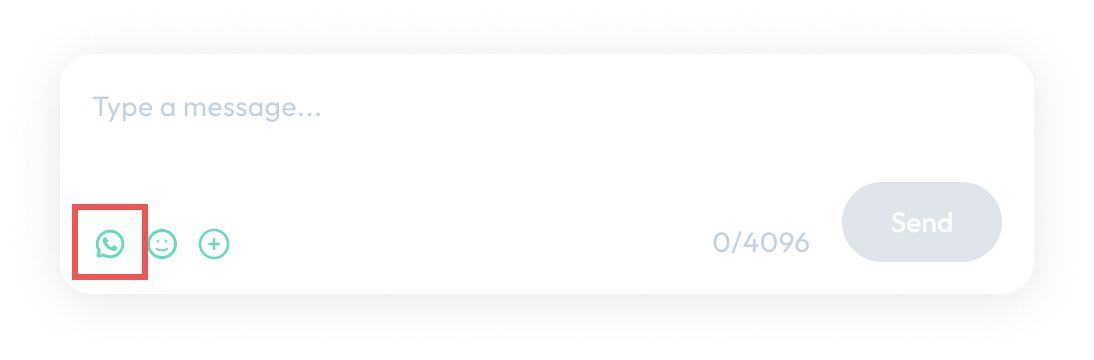
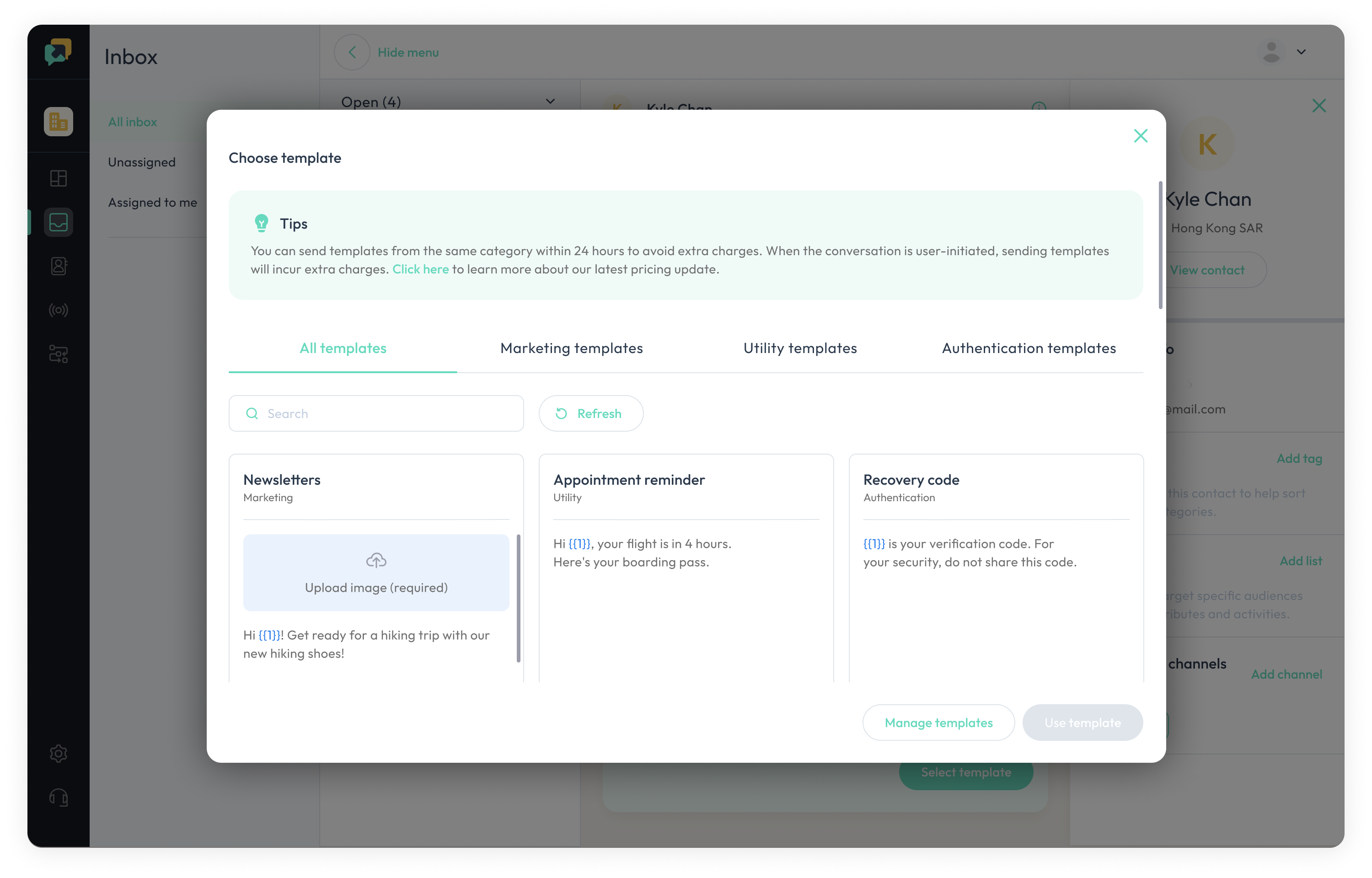
Click on the WhatsApp icon. It opens a pop-up modal that shows the templates in the categories of "All Templates", "Marketing Templates", "Utility Templates", "Authentication Templates".
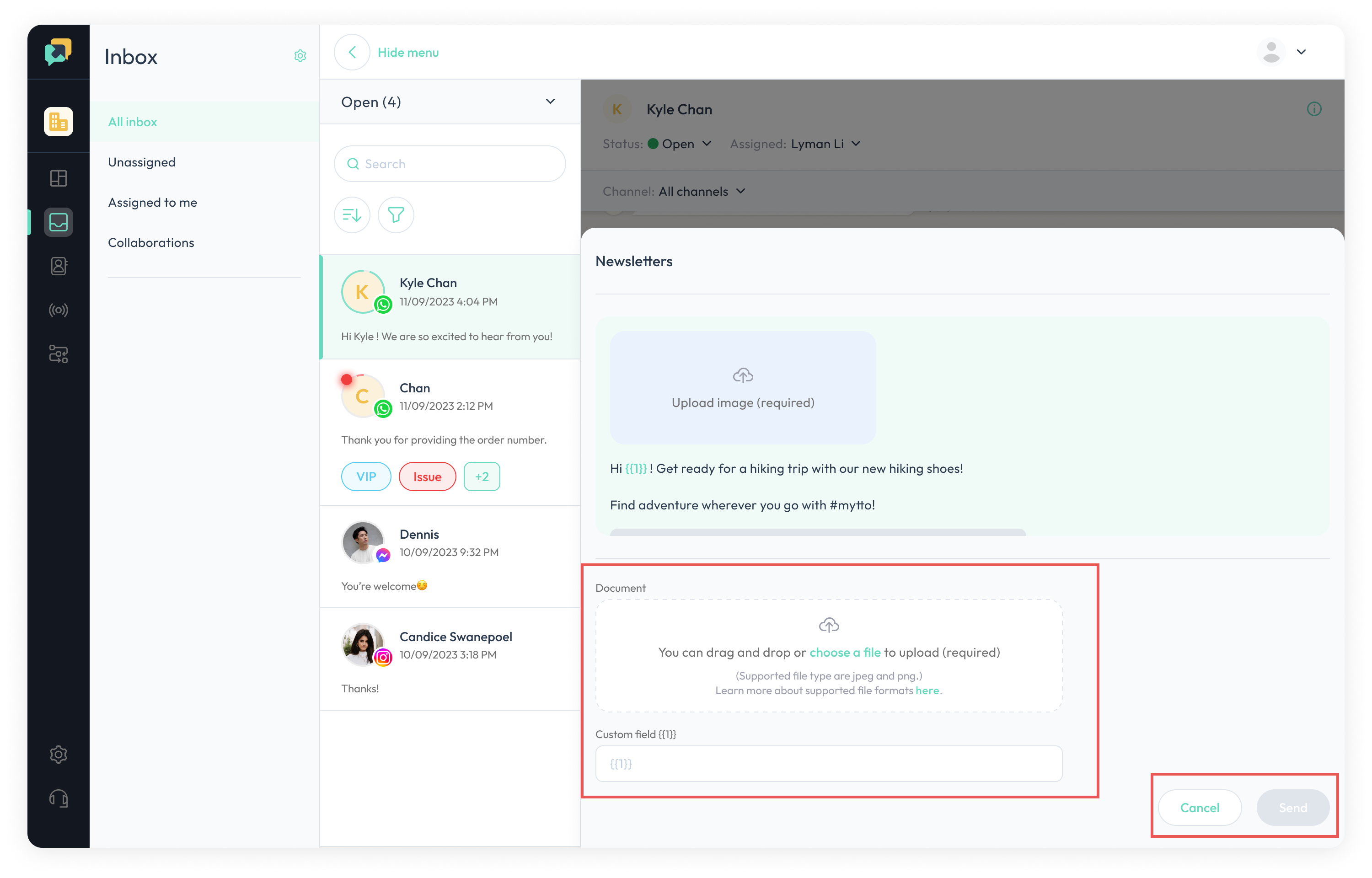
Upon selecting a template, its content will be displayed in the message box with a greyed-out background to indicate that it is not editable. You will also have the option to clear the content.